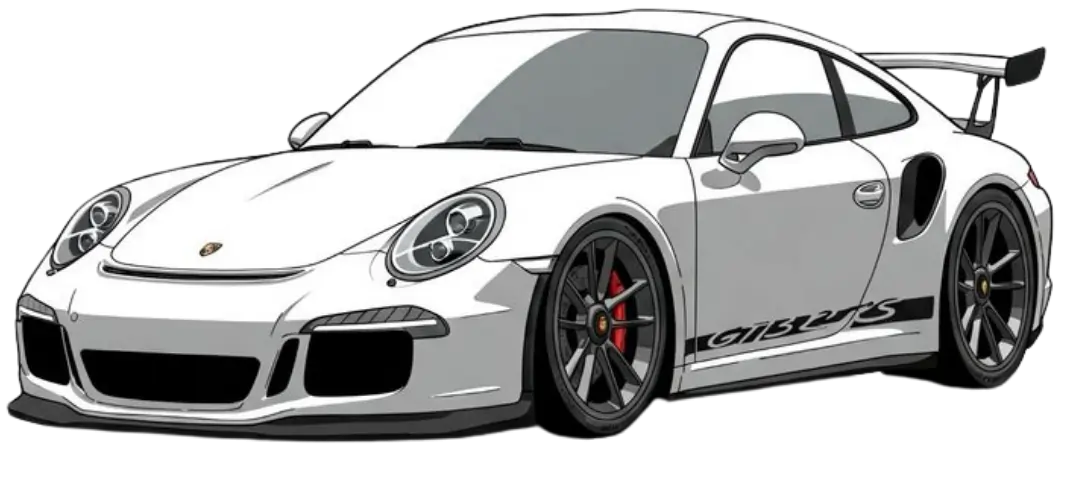
Free AI Car Wrap Simulator: 3M, Avery Dennison, KPMF & TeckWrap Simulator
May 12, 2026

Want a car wrap simulator that works as a 3D visualiser?
Finally, Wrap Generator AI has built something that saves hours of time and delivers the best vehicle wraps based on users' preferences.
In this article, we are going to discuss how our car wrap simulator is different from other visualisers and provide a step-by-step guide to describe each component of our vehicle visualiser.
Best Car Wrapping Simulator App Online (2026)
Vehicle wraps have changed dramatically over the last few years.
What once required multiple mockups, Photoshop templates, expensive rendering software, and vehicle model development tools can now be done directly inside a browser using our real-time car wrap simulator web app.
Wrap Generator AI was built to make the vehicle wrapping process faster, more interactive, and easier for both beginners and professional wrap designers, and most probably for Tesla wrap designers.
Instead of guessing how a wrap might look on your Tesla or any other vehicle after printing, users can preview designs instantly on realistic 3D vehicle models.
What Is a Car Wrap Simulator?
A car wrapping simulator is a digital platform that allows users to customize their vehicles and preview wraps on the vehicle body in real time.
Users can interact with a 3D car model, apply colors or materials, zoom in & out to check wrap quality, and inspect the design from different angles before wrap cycle production begins.
Modern wrap simulators are commonly used by:
- Vehicle wrap studios
- Automotive creators
- Car enthusiasts
- Fleet branding companies
- Designers and agencies
The main goal is simple:
Majorly, the main goal is to reduce uncertainty about how our vehicle looks after installation, which improves visualization.
Why Traditional Mockups Are No Longer Enough
Traditional wrap design workflows and mockups usually rely on static templates and flat previews, which reduce the real-time experience and degrade clarity while visualizing wraps on the vehicle body.
While those methods still work, they often make it difficult to properly visualize how a wrap will appear on a real vehicle, but still, 2D wraps are still used as it is easier to build 2D software, which saves hours of time and simplifies the tech stack.
Some common problems of 2D wrap generators include:
- Poor perspective accuracy
- Limited realism
- Slow design revisions
- Difficult client approvals
- Lack of real-time interaction
This is where modern 3D wrap simulators create a huge advantage that gives leverage to the visualization of large vehicle models.
By allowing users to preview wraps live on realistic models on a 3D canvas, the entire design process becomes faster and more immersive.
How Wrap Generator AI Works
Wrap Generator AI combines real-time 3D rendering software with interactive customization tools to create a smooth vehicle wrap experience directly in the web application.
The platform was designed to feel lightweight with dark and light theme options, which helps users make wraps more precisely and efficiently.
Our visualiser core features include:
- Real-time 3D vehicle rendering
- Interactive camera controls
- Live color and material updates
- Vehicle part selection systems
- AI-assisted design workflows
- Browser-based accessibility
Everything updates instantly without needing complicated desktop software and APK files to import and export models.
Step-by-Step: How to Use the Wrap Simulator
Step 1 — Open the Vehicle Configurator
The first step is to launch the wrap simulator dashboard, which takes 3–4 seconds to load models on the canvas and live preview.
Once loaded, users can interact with a fully rendered 3D vehicle model directly inside our Wrap Generator AI, which gives multiple tools to design wraps, including a text generator, pen tool, and overlapping tool, etc.
The simulator is optimized for smooth performance and fast loading times to load the final edit in the preview window.
Users can immediately:
- Rotate the vehicle
- Zoom into details
- Explore different viewing angles
- Inspect vehicle surfaces
This creates a much more realistic experience compared to static previews.
Step 2 — Select Individual Vehicle Parts
The vehicle models are separated into multiple editable sections with the part names that define each vehicle component to paint or design on the body.
Instead of changing the entire vehicle at once, which sometimes makes the vehicle unattractive, users can customize specific areas independently or edit certain parts without any barrier.
Editable sections may include:
- Doors
- Hood
- Roof
- Side panels
- Front bumper
- Rear sections
This allows for more accurate wrap previews and better creative control. Just click on any part, the name appears, and now you can wrap that part after selection.
Step 3 — Apply Colors & Wrap Materials
After selecting a vehicle section, users can apply colors or materials instantly without overflowing wrap colors, paints, or artwork onto any other part.
Every change appears live on the 3D model in real time, which makes our simulator more engaging.
Users can experiment with our tool's specifications such as:
- Matte finishes
- Gloss finishes
- Satin materials
- Metallic colors
- Dark themes
- Bright custom wraps
This makes it easier to test ideas before committing to final production without making any mistakes.
Real-Time Car Wrapping Simulator Kostenlos Makes a Huge Difference
One of the biggest challenges in vehicle customization is helping clients visualize the final result and showing the difference through visualisers that can design better wraps within seconds.
Static mockups often fail to show how reflections, curves, and panel shapes affect the design.
Real-time simulation improves this process by allowing users to inspect the vehicle dynamically.
Benefits include:
- Faster client approvals
- Better communication
- Reduced design revisions
- More realistic previews
- Improved creative experimentation
For wrap studios, this can significantly improve workflow efficiency.
AI-Assisted Wrap Design
Wrap Generator AI also focuses on AI-powered workflows.
Instead of manually creating every concept from scratch, users can use intelligent systems to speed up the design process.
AI-assisted workflows can help with:
- Design inspiration
- Color experimentation
- Rapid concept generation
- Style exploration
- Faster creative iteration
The goal is not to replace creativity, but to make the creative process faster and more flexible.
Built for Modern Automotive Creators
Wrap Generator AI was designed for a wide range of users.
Whether you're an individual creator or a professional wrap studio, the platform is built to simplify visualization workflows.
The platform is useful for:
- Vehicle wrap businesses
- Automotive brands
- Freelance designers
- Car enthusiasts
- Fleet branding companies
- Creative agencies
Because everything runs inside the browser, users can access projects from almost anywhere without needing heavy software installations.
The Future of Vehicle Wrap Visualization
The automotive customization industry is becoming digital through AI-powered car wrap color sample vehicle simulators.
Real-time rendering, AI-assisted workflows, and browser-based 3D systems are changing the perspective of car wrap color simulators and how wraps are designed and presented.
Modern wrap simulators help users:
- Work faster
- Visualize more accurately
- Improve customer experience
- Simulate a car wrap
- Reduce production uncertainty
- Explore more creative concepts
As technology continues to evolve, real-time visualization tools will become a standard part of the wrap design process.
Final Thoughts
Vehicle wrap simulators are no longer just experimental tools; they are now built to make real custom wraps on 3D models, which makes it clearer to visualize each part independently.
They are becoming an essential part of the modern automotive industry, which uplifts creativity in custom workflows.
Wrap Generator AI aims to simplify this experience through interactive 3D visualization, intelligent customization tools that make it easier to build workflows more efficiently, and AI-powered workflows designed to save hours of time specifically for wrap creators and enthusiasts.
Whether you're designing for personal projects, including designing for your own vehicles, clients, or commercial branding, real-time vehicle visualization can dramatically improve the design workflow and also deliver the best results, which are second to none.
Frequently Asked Questions
What is a car wrap simulator?
A car wrapping simulator is a platform that allows users to preview vehicle wraps and make customizations on realistic 3D vehicle models before production and helps enhance the wrap designing process.
Can I customize individual parts of the vehicle?
Yes. Wrap Generator AI supports mesh-based part editing so users can customize specific sections independently.
Does Wrap Generator AI work in the browser?
Yes. The platform is fully browser-based and designed for real-time interaction without requiring advanced desktop software.
Is the simulator suitable for professional wrap studios?
Yes. The platform is built for both beginners and professional creators looking for faster and more realistic wrap visualization workflows.